
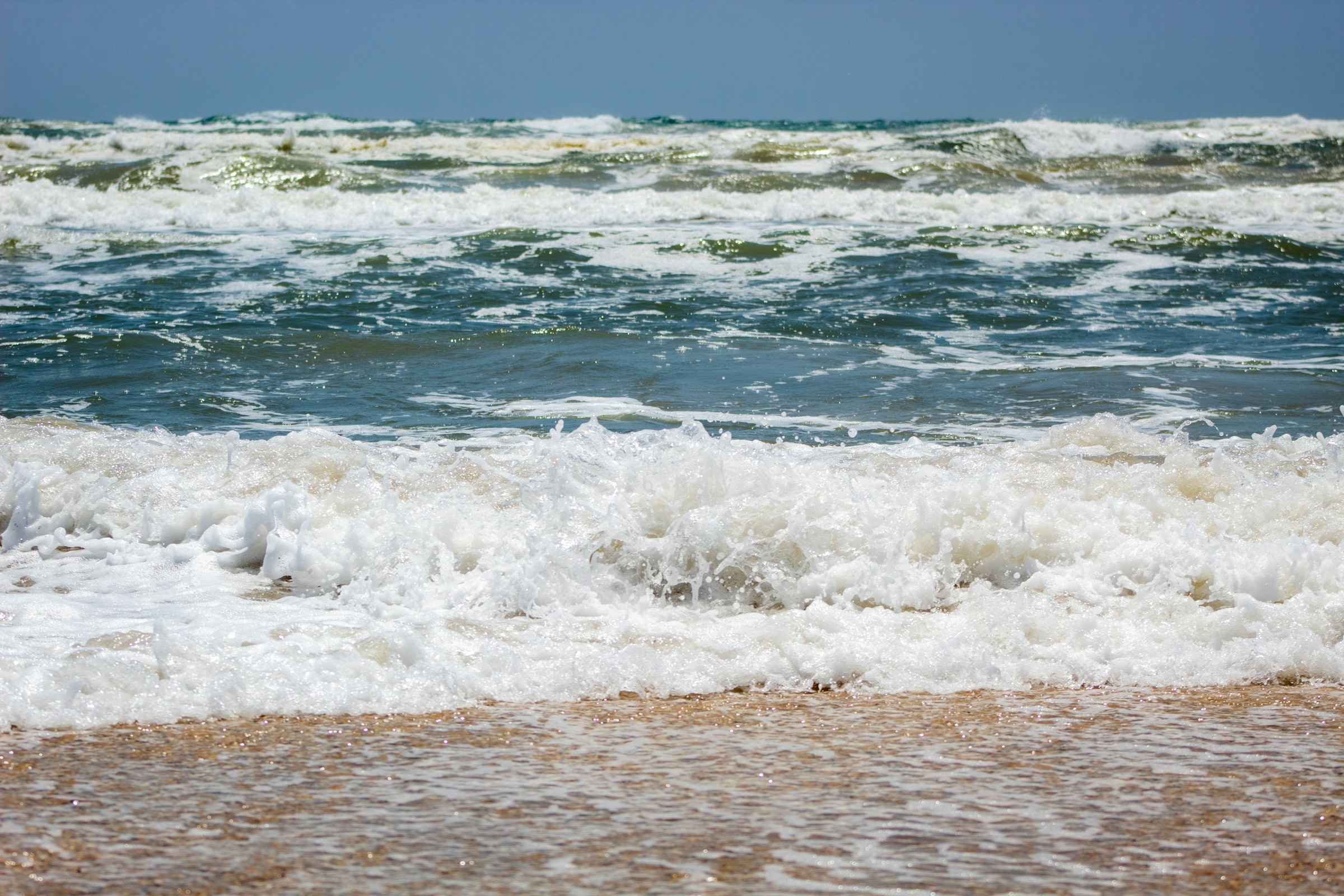
A beach can look perfect from the parking lot and still be a lousy day to get in the water.
That is the problem the Thunderfoot Sports Gulf Coast Beach Conditions planner is built to solve. Instead of treating every sunny Gulf Coast day like it means the same thing, the tool looks at the conditions that actually change the experience: surf, wind, water color, recent rain, rip-current risk, algae or seaweed, water temperature, weather and even whether you are checking during daylight, dawn, dusk or after dark.
The goal is not to give the ocean a thumbs-up or thumbs-down. It is to answer a more useful question: what is this beach good for right now, and what should you watch before you go?
Check the Coast Before You Drive
Compare Texas beaches by current conditions, swimming, surf, fishing, water quality estimate, water color, algae and crowd outlook. The planner also shows what each beach is best suited for that day.
Water Color Tells You More Than “Blue” or “Brown”
Texas Gulf water is not supposed to look the same from Galveston to South Padre. The upper coast naturally carries more sediment, while beaches farther south can run greener or clearer. That makes a single statewide “clear water” standard almost useless.
The Thunderfoot planner treats water color as its own estimate: Brown, Murky, Sandy Green, Green or Blue-Green. It starts with what is typical for each part of the coast and then adjusts for the conditions that can stir the water up or let it settle down.
Small surf, calmer previous days and light offshore wind can help the water look better. Surf over roughly three feet, stronger onshore wind and heavy recent rain can push the estimate the other direction. That does not mean darker water is automatically unsafe. It means visibility, snorkeling and the overall “pretty beach” factor may be different from the photo you had in your head.
Wind Can Completely Change the Same Beach
People tend to check temperature and rain first. On the coast, wind deserves the same attention.
Onshore wind can build chop, push water and seaweed toward the beach and make an otherwise comfortable day feel messy. Offshore wind can smooth the surface, but it can also matter differently for paddlers, surfers and anyone using inflatables. Strong wind in either direction changes how pleasant it feels to sit on the sand.
The beach planner uses wind as part of several separate ratings instead of pretending one number means the same thing for everybody. Swimming, surfing, fishing and general beach comfort do not respond to wind the same way.
Surf Height Is Not Just for Surfers
A two-foot Gulf day and a five-foot Gulf day are different trips even if the air temperature is identical.
Higher surf can be fun if you came to surf, but it can make swimming less comfortable, reduce visibility, stir sand into the water and increase the consequences of rip currents. Very small surf can be great for families and wading while being nearly useless to someone who loaded a board into the truck.
That is why the planner separates activity scores. A beach can be mediocre for surfing and excellent for a family beach morning at the exact same time. “Good beach day” is too broad to be useful.
Recent Rain Matters Even After the Clouds Leave
The sky can clear faster than runoff does.
Heavy rain in the previous few days can affect water clarity and can increase the chance of bacteria problems, especially near river mouths, bay passes and areas with more runoff. The planner uses recent rainfall as one factor in its water-quality estimate and water-color estimate.
That word estimate matters. Thunderfoot Sports does not replace official beach sampling. When swimming conditions matter, check the planner for the big picture and then use Texas Beach Watch for official bacteria test results.
Algae and Seaweed Are Seasonal, Not Random
Sargassum, algae and red-tide concerns do not hit every Texas beach the same way or at the same time. The tool estimates seaweed and algae pressure using the season, water temperature, recent rainfall and local coast patterns.
That estimate is especially useful when you are comparing beaches. If one part of the coast is showing a higher seaweed outlook and another has a lower one, you can decide whether that matters enough to change the trip. For current bloom observations, the planner also points readers toward official and research sources such as TPWD red-tide information and the University of South Florida’s sargassum monitoring.
Rip Currents Can Turn a Pretty Day Into a Bad Decision
Clear skies are not a safety rating.
Rip-current risk, active National Weather Service warnings and thunderstorms carry more weight in the Thunderfoot rating than whether the beach looks inviting. A high rip-current risk can cap the overall conditions score even when other pieces look good.
That is intentional. The planner should never bury a real hazard under a nice temperature, good water color or low crowd estimate. Always follow posted beach flags, lifeguards and official warnings when you arrive. The card on your phone is planning information; the conditions in front of you win.
Day, Dawn, Dusk and Night Are Different Beach Conditions
This is one of the details most beach apps miss. The same weather does not create the same experience at 2 p.m. and 10 p.m.
After dark, reduced visibility makes surf, drop-offs, debris and changing water conditions harder to judge. The Thunderfoot planner accounts for that by limiting the general beach-condition score at night and adding a visibility caution. It also stops pretending the water-color estimate is something you can visually confirm after dark.
Dawn and dusk get their own treatment, too. They can be excellent fishing periods, but low light still changes visibility near the water. In other words, “night fishing looks good” and “night swimming looks good” should never be treated as the same conclusion.
Use the “Best For” Picks Instead of Chasing One Score
The fastest way to use the tool is the row of best-condition picks near the top. Instead of scrolling every beach and comparing ten numbers, start with what you want to do.
- Best beach conditions: for the most balanced general beach day.
- Best swimming: when surf, weather and safety factors are the priority.
- Best surf: when wave height, swell period and wind line up better for a board.
- Best fishing: when surf, water color, pressure and tide-related factors look stronger.
- Best water: when water color and water-quality factors are the main reason you are choosing one beach over another.
Then open the individual beach card and read the “why.” A score without the reason behind it is just decoration.
A Better Way to Plan a Texas Coast Day
The Texas coast is too long and too variable for a single answer to “Is today a good beach day?” Galveston, Surfside, Matagorda, Port Aransas, Padre Island and South Padre can be having very different days at the same time.
Use the planner to compare. Look at the activity you actually care about. Read the warnings. Check the official sources when water quality or severe weather is involved. Then make the call.
Sometimes the best answer is “go to a different beach.” Sometimes it is “go, but stay on shore.” Sometimes the fishing looks better than the swimming. And sometimes everything lines up and you should stop looking at your phone and get in the truck.
Check Today’s Gulf Coast Conditions
Compare beaches, switch between list and map views, and see the latest conditions before you commit to the drive.